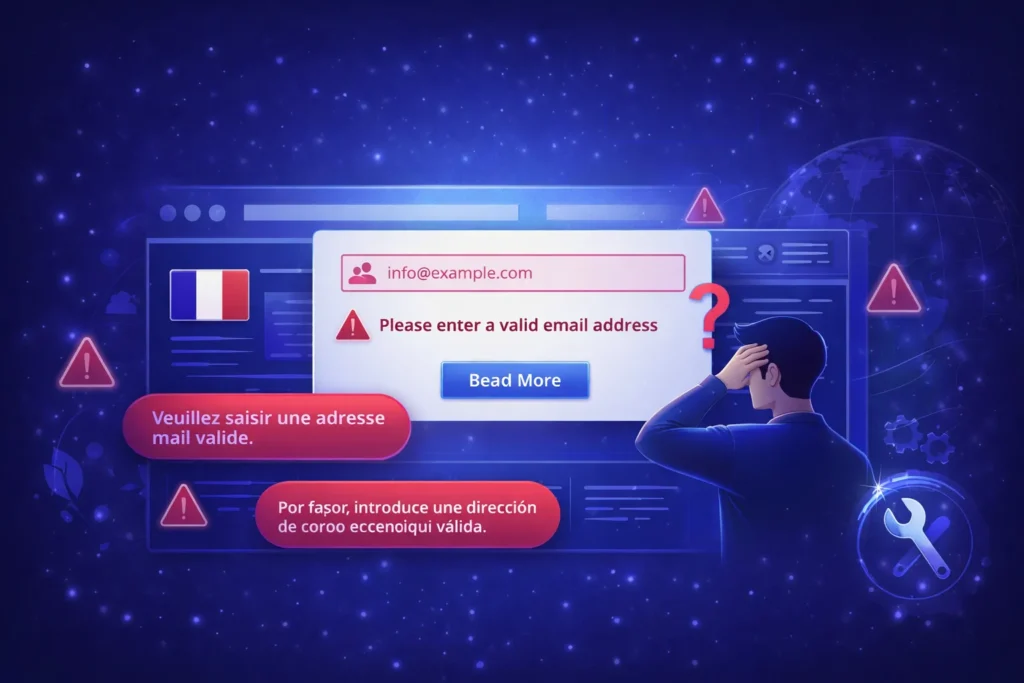

When a website is translated into another language, most of the interface usually changes correctly. Navigation menus, buttons, headings, and content all appear in the selected language. However, many developers notice something strange when users submit a form.
Even though the website is translated into Spanish, French, or another language, some validation tooltips still appear in English. Messages like:
- “Please fill out this field.”
- “Please enter a valid email address.”
can suddenly show up on an otherwise fully translated page.
This creates a confusing user experience and makes the website look unfinished. Understanding why this happens is the first step toward fixing it.
Why Validation Tooltips Appear in English
These messages do not come from Bootstrap, WordPress, or your website code. They are generated by the browser’s built-in HTML5 validation system.
For example, when a form field is marked as required:
<input type="email" required>
the browser automatically checks the field before the form is submitted. If the input is invalid, the browser displays its own message.
The important detail is that the browser decides the language of that message, not the website.
Browsers choose the language based on:
- Browser interface language
- Operating system language
- User language preferences
So if a visitor uses a browser set to English, the validation message will also appear in English, even if the website itself is fully translated into Spanish.
This is why you may see English tooltips on translated websites.
Why This Is a Problem for Multilingual Websites
For multilingual websites, consistency is important. If a visitor selects Spanish, they expect every part of the interfaceto appear in Spanish.
When browser validation messages appear in English, it creates several issues:
- The user experience becomes inconsistent.
- The website looks partially translated
- Some users may not understand the error message.
This is especially noticeable on forms such as:
Shared Hosting
- Contact forms
- Checkout forms
- Registration forms
- Newsletter signup forms
Why You Cannot Change Browser Validation Language Per Website
Many developers assume the website can control the language of validation tooltips, but this is not how browsers work.
Even if you specify the page language like this:
<html lang="es">
most browsers will still display validation messages based on the user’s browser language, not the page language.
Because of this design, there is no reliable way to force browser validation messages to follow the website language.
The Proper Solution: Custom Validation Messages
The recommended solution is to disable native browser validation and display your own validation messages.
This allows you to control the language completely.
Step 1: Disable Native Validation
Bootstrap provides the invalid-feedback element for displaying validation messages.
Example
					<div class="mb-3">
 <label>Email</label>
 <input type="email" class="form-control" required>
 <div class="invalid-feedback">
   Por favor ingrese un correo electrónico válido.
 </div>
</div>
Now the message will always match the page language.
Example for Multilingual Websites
Because the message is now part of your HTML, translation plugins such as
- WPML
- Polylang
- TranslatePress
can translate the text automatically.
Example translations:
English
Please enter a valid email address.
Spanish
Por favor ingrese un correo electrónico válido.
French
Veuillez entrer une adresse e-mail valide.
Benefits of Using Custom Validation
Using custom validation messages provides several advantages:
- Consistent language across the website
- Full translation control
- Better styling with Bootstrap
- redictable behavior across browsers
For multilingual websites, this approach ensures that forms remain fully translated just like the rest of the site.
Final Thoughts
Seeing English validation tooltips on a translated website is a common issue. It happens because browsers generate those messages independently of the website language.
The solution is not to change the browser behavior, but to replace native validation with custom messages that can be translated.
By doing this, you ensure that every part of your website—from navigation to form validation, speaks the same language as your visitors.
If you run a multilingual website and need help fixing translation issues, optimizing performance, or improving your WordPress setup, the team at Ideal Web Design can help ensure everything works smoothly for users around the world.