
The Rise of Dark Mode: More Than Just a Trend
One of the most significant changes in digital design in recent years has been the use of dark mode. What began as a streamlined aesthetic choice has evolved into a global taste, embraced by everyone from developers to everyday users. The dark interface has dominated cellphones, PCs, and apps.
But what is driving this change? Part of it is practicality: dark mode decreases glare and makes screens easier on the eyes in low-light situations. However, it is also about emotions and identity. Dark mode is modern, minimalist, and even a bit mysterious. For many people, moving to dark mode feels like a step into the future.
For brands, however, it is more than just looking trendy. The actual question is, does dark mode make sense for your company, audience, and objectives?
The Psychology of Dark vs. Light
Humans have emotional responses to color and contrast. Light interfaces (white backgrounds, darker text) have long been linked with clarity, openness, and simplicity; see Google or Apple’s early design choices. They make information feel accessible and simple to understand.
However, dark interfaces produce a completely distinct ambiance. They are elegant, cinematic, and immersive. Dark mode naturally attracts emphasis to visual aspects, such as photography or product images, giving a business a premium, focused appearance. That’s why dark designs are common in the creative, luxury, and IT industries.
So before you jump in, ask yourself:
- What emotion do I want users to feel?
- Is my brand more about lightness and clarity, or focus and depth?
- Will a darker look enhance or distract from my content?
The UX Angle: Comfort Meets Function
From a UX (User Experience) standpoint, dark mode offers real benefits when implemented thoughtfully.
- Reduced Eye Strain – Especially in low-light environments, dark mode helps prevent visual fatigue.
- Battery Efficiency – On OLED and AMOLED screens, dark backgrounds use less power, extending battery life.
- Focus on Content – Darker backgrounds make colors, images, and typography pop.
- Improved Accessibility (Sometimes) – For certain visual impairments or sensitivities, dark mode can make reading easier.
But here’s the catch: it’s not necessarily better. Poorly chosen contrast, low readability, or overly dark palettes can make text difficult to read and reduce overall usage. The most important thing is balance: dark mode should enhance, not compromise, your comfort.
Brand Identity and Dark Mode: A Strategic Decision
Switching to dark mode is more than simply a design change; it’s a branding decision.
Your website is a digital storefront, and color influences how customers perceive your brand. Dark mode may appear stylish, but if your identity is based on bright tones, inviting warmth, or open space, pushing a dark UI may feel out of place.
However, if your company is tech-forward, trendy, or artistic, dark mode can boost your presence and make your digital experience stand out.
Consider interior design: certain brands thrive in a light, airy space, while others shine in a gloomy, ambient setting.
Ask yourself:
- Does my logo or palette adapt well to a darker background?
- Will my visuals maintain consistency?
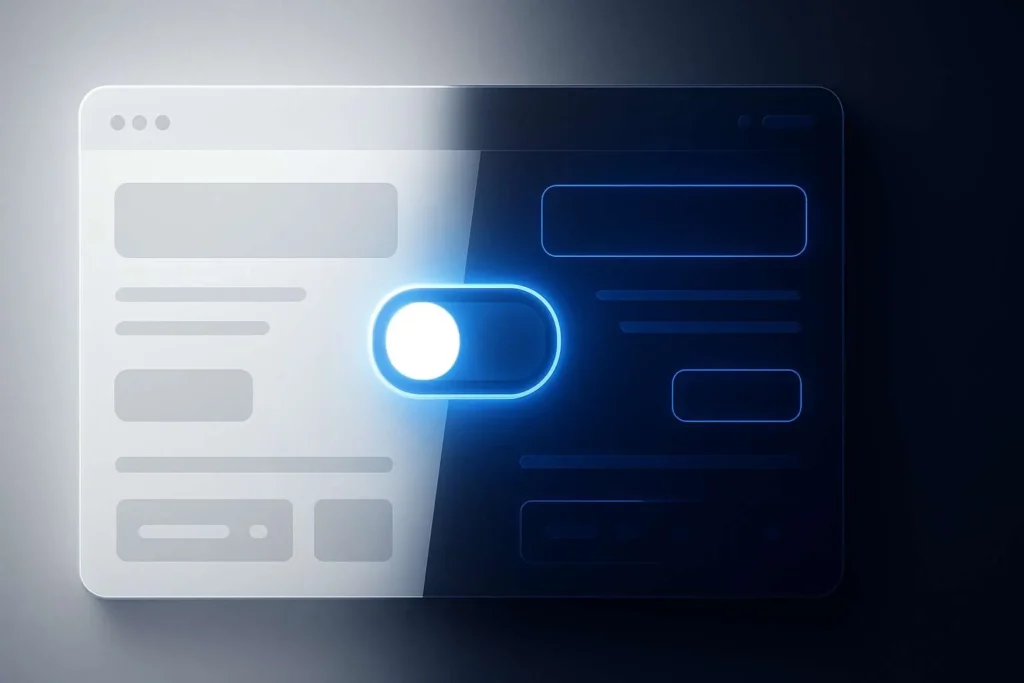
- Can I make both light and dark modes available for user choice?
Many popular websites now provide dual modes, allowing customers to choose what works best for them. It’s a sophisticated approach to be inclusive while keeping the brand consistency.
The Technical Side: What It Takes to Switch
Implementing dark mode is not as simple as flipping a switch. It includes design, development, and testing to verify that each element translates properly.
Key technical considerations include:
- Color Palette Adjustments – Define new shades for backgrounds, text, and highlights.
- Contrast & Legibility – Maintain at least a 4.5:1 contrast ratio for accessibility.
- Image Optimization – Bright images may overpower dark backgrounds, so tone adjustments may be needed.
- Code Implementation – Using CSS media queries (prefers-color-scheme) allows sites to automatically match the user’s system settings.
- Testing Across Devices – Dark mode can appear differently on screens with varying brightness and calibration.
For brands serious about dark mode, custom development is key. Template toggles often fail to capture brand nuance, while custom-coded solutions ensure performance, accessibility, and aesthetic precision.
Common Mistakes to Avoid
If you’re exploring dark mode, avoid these pitfalls:
- Using Pure Black (#000000) – It creates too much contrast and can cause visual strain. Opt for deep charcoal or muted gray tones.
- Ignoring Readability – Bright white text on pure black can be harsh. Slightly off-white (like #E0E0E0) is easier on the eyes.
- Forgetting the Brand Palette – Ensure your color accents still look intentional, not neon or distorted.
- Not Testing with Real Users – Gather feedback. What looks good to designers might not feel right to users.
Dark mode is all about experience, not just aesthetics.
User Choice: The Best of Both Worlds
What is the most user-friendly solution? Allow your customers to decide.
Offering a light/dark mode toggle allows users to decide how they view your site, just as they do with their devices and apps. It’s a little element that demonstrates your brand’s concern for comfort and individuality, both of which increase engagement and trust.
When customers feel at ease on your website, they stay longer, which frequently leads to higher conversions.
SEO, Performance, and Analytics
How does dark mode affect SEO? It cannot be done directly, but it is possible indirectly.
A well-optimized dark site with good engagement metrics (lower bounce rates, longer sessions, and more conversions) will boost your overall SEO performance. The same is true for performance: if your dark mode setup is based on optimized assets and lightweight code, it will help your website perform faster and more efficiently.
After introducing dark mode, always monitor your analytics. Tools such as Google Analytics, Hotjar, and Microsoft Clarity can assist you in determining whether the new design affects user behavior.
Here’s a quick checklist to help you decide:
| Question | Yes | No |
|---|---|---|
| Does your brand have a modern, tech-forward aesthetic? | ||
| Are your visuals adaptable to dark backgrounds? | ||
| Do your users frequently browse in low-light conditions? | ||
| Are you prepared to test and optimize contrast carefully? | ||
| Would your audience appreciate personalization options (light/dark toggle)? |
If you’ve checked three or more “Yes” boxes, dark mode might be the right move.
Final Thoughts: Design That Reflects the Times
Dark mode is more than just a trend; it reflects the evolution of digital behavior. As users seek comfort, control, and personality in their experiences, marketers must keep up with what feels natural and fresh.
However, decisions should be driven by user experience rather than design trends. The best websites are those that adjust gracefully, whether by providing dark mode, customisation, or lightning-fast performance.
At the end of the day, it’s not about dark or light, it’s about clarity, comfort, and connection.
Ready to Give Your Website a Fresh Look?
Bring your brand to life with a design that adapts to your users, day or night.